All-in-one PDF app for creating, editing, converting and
organizing PDF files right on your iPhone or iPad.

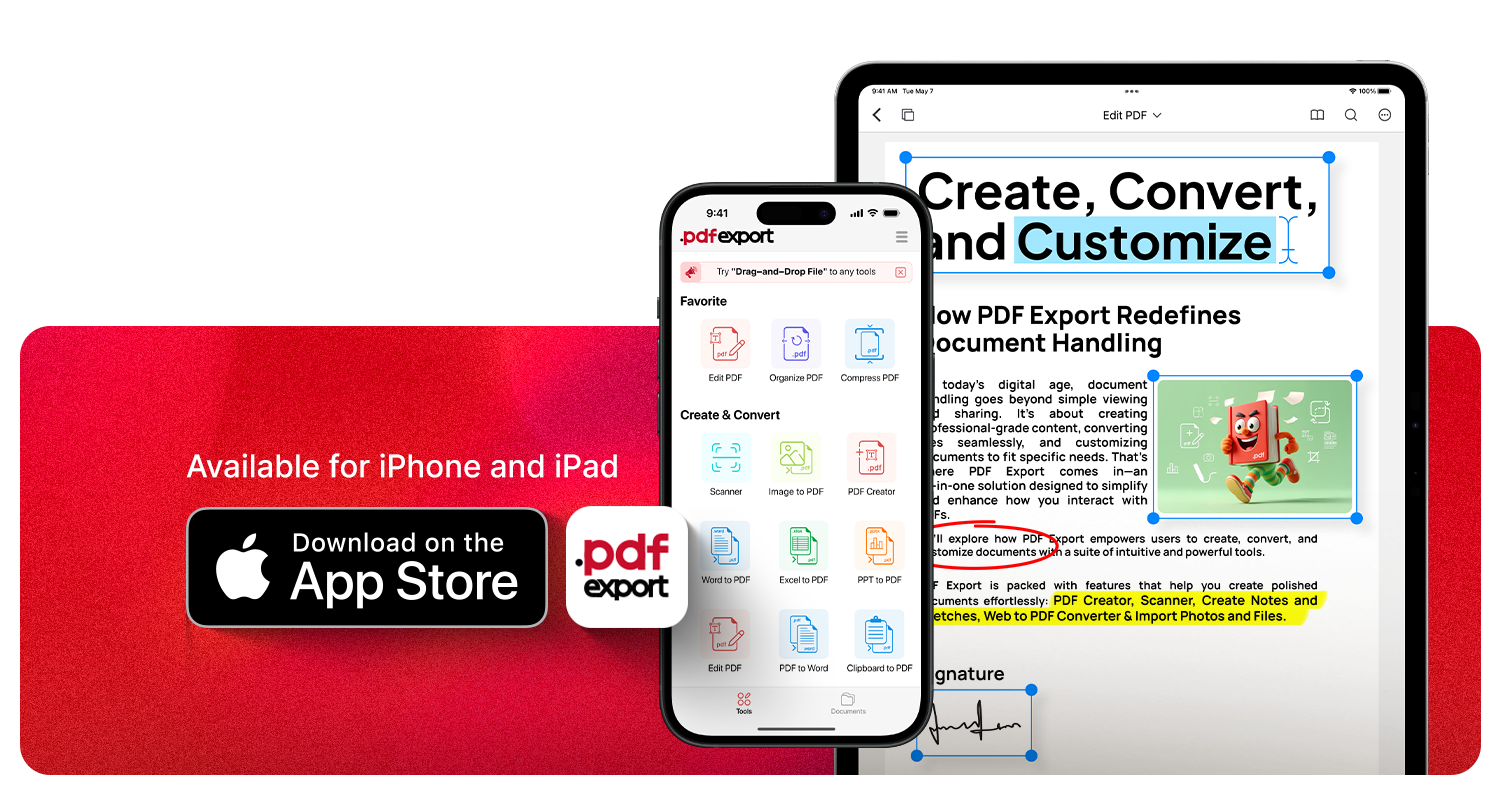
Available for
iPhone and iPad

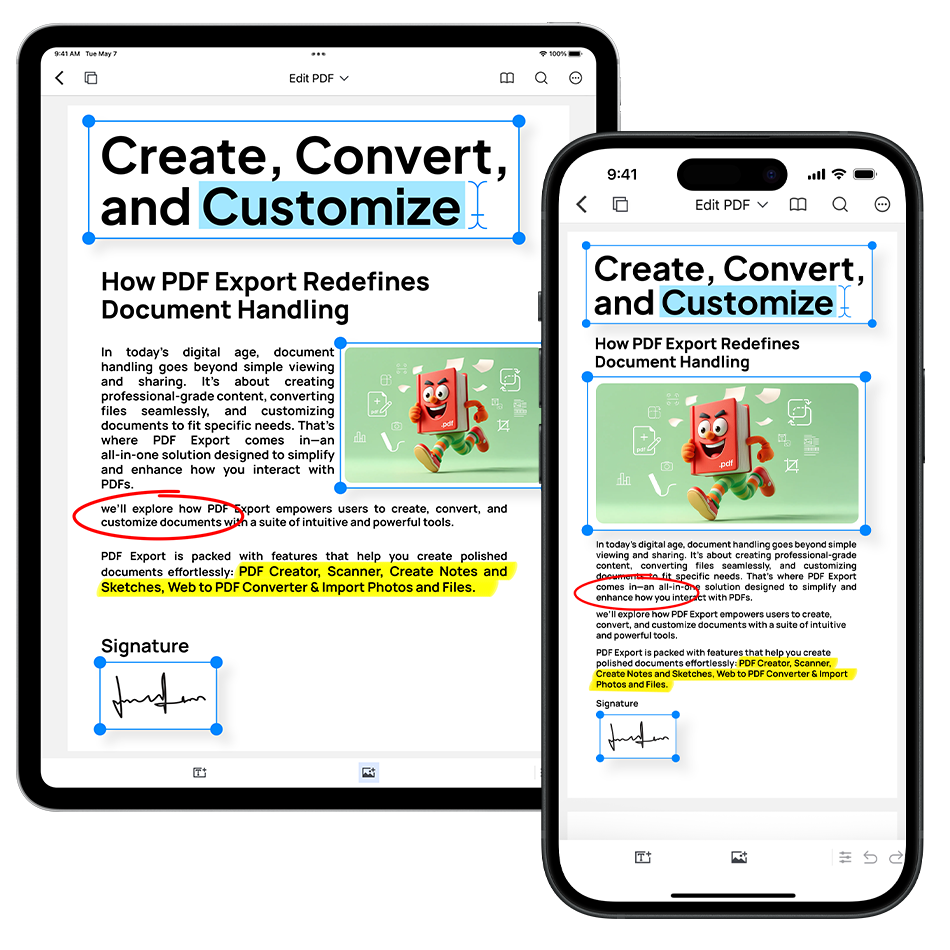
Make quick changes to your PDF documents without needing extra tools. Whether it’s fixing a typo, updating text, or adjusting images, everything can be done directly inside the app with ease.
 Edit text and images directly in PDFs
Update fonts, colors, and formatting instantly
Modify links, headers, and footers effortlessly
Edit text and images directly in PDFs
Update fonts, colors, and formatting instantly
Modify links, headers, and footers effortlessly
Trusted by users worldwide
Top Business App in 35+ countries.

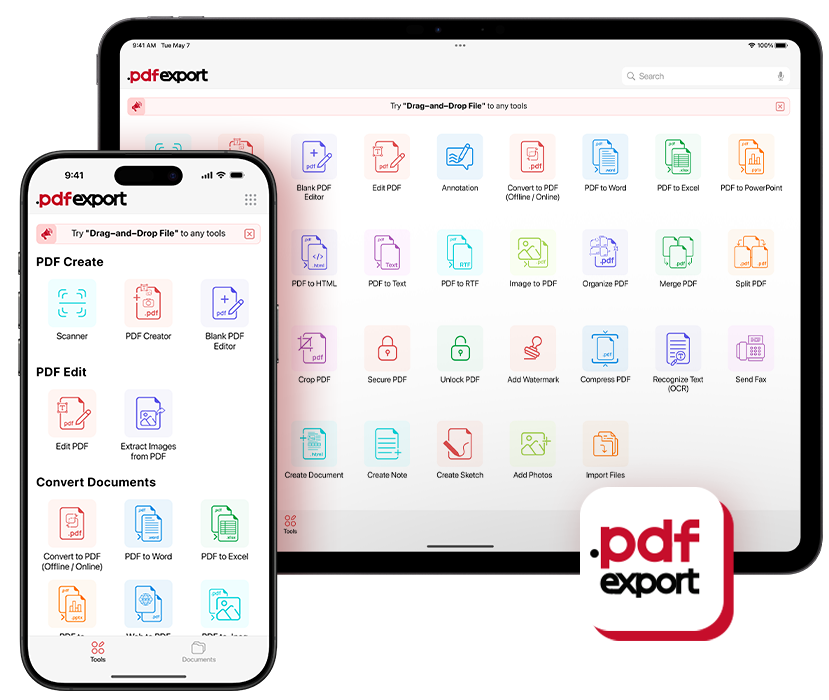
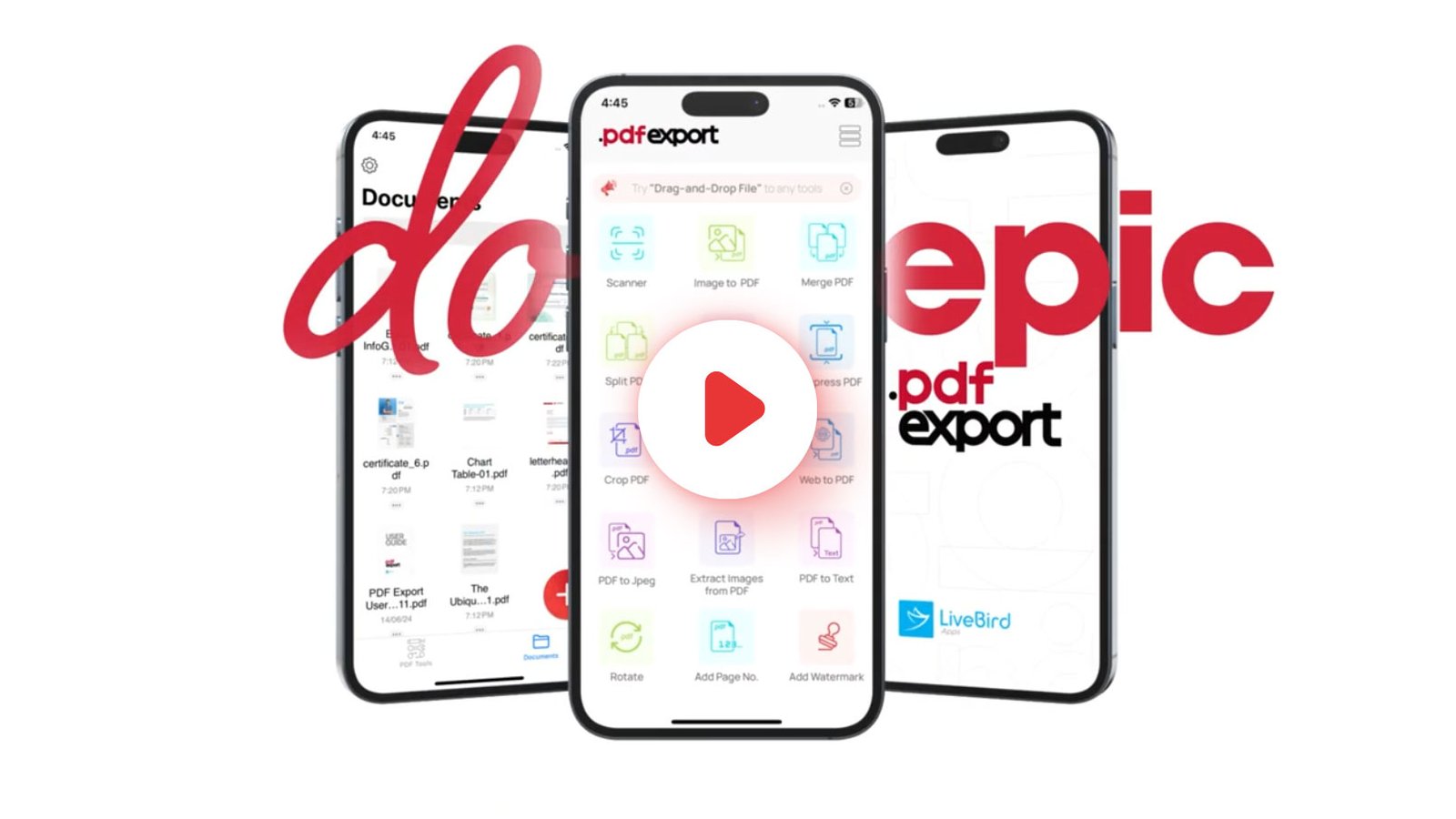
Edit PDF

Annotate PDF

Blank PDF
Editor

Organize PDF

Merge PDF

Split PDF

Add Page No.

Rotate

Crop PDF

Repair PDF

Scanner

Image to PDF

PDF Creator

Word to PDF

Excel to PDF

PPT to PDF

Convert to PDF

Web to PDF

Clipboard to PDF

PDF to Word

PDF to Excel

PDF to PPT

PDF to JPG

PDF to Text

Extract Images
from PDF

PDF to HTML

PDF to RTF

Secure PDF

Unlock PDF

Add Watermark

Compress PDF

Recognize Text(OCR)

Create Note

Transcribe & Export

Create Document

Send Fax
















PDF Export capabilities simplify and enhance numerous tasks in our everyday lives,
making document sharing, record-keeping, and communication more efficient
across a wide range of scenarios.
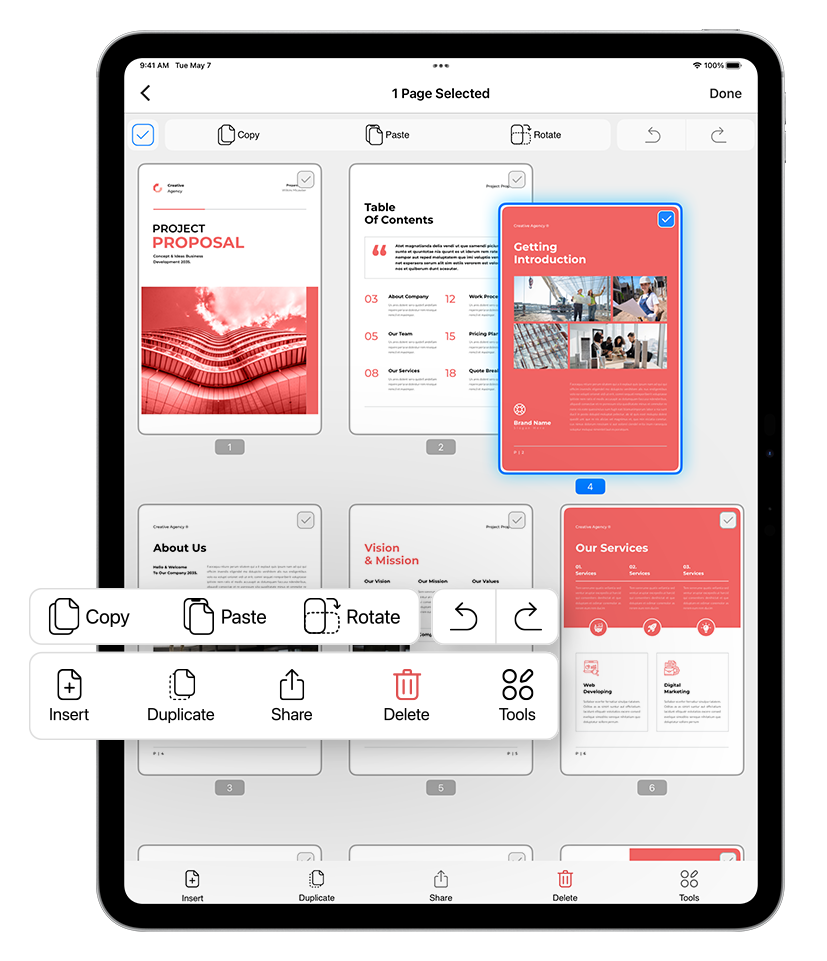
Organize, edit, and access all your PDF documents seamlessly within the app. No more juggling between different tools—everything you need to handle PDFs is right at your fingertips.
Merge, split, and reorder pages instantly
Add annotations, highlights, and comments
Secure your files with password protection
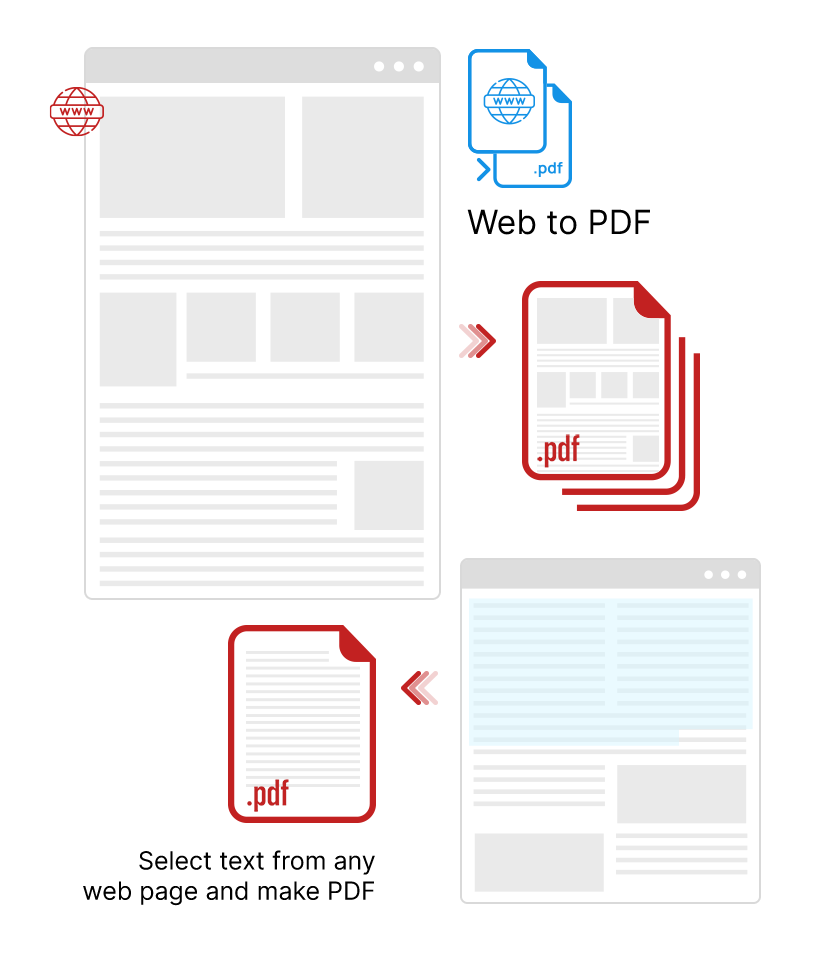
Turn any webpage into a professional, share-ready PDF with a single click. Preserve layout, links, and design exactly as they appear online—perfect for saving articles, reports, or entire web projects.
Keep formatting, fonts, and images intact
Save pages for offline access and sharing
Export clean, high-quality PDFs in seconds

At last I’ve found a pdf editor/converter that’s features a truly comprehensive set of tools, not only at a great price, but it also works well. Tech support was fast responding, with an answer to a question I had. Overall definitely deserves 5 Stars.
The best app for pdf and text and image files I have ever tried. Excellent pdf converter.. an exceptionally useful tool.. yes it is worth buying.
Excellent essential application, without subscription, iPad Pro
Use Acrobat Pro at work place, bought this for personal use on my iPhone after trying out the free version. Totally no regrets & really easy to use.
Its design and operation allow you to pleasantly organize, edit, share and other effective tools for managing information, its latest update is very interesting.
Good Reader is great for reading and for deleting pages or creating PDFs from screenshots or JPGs and the price is really cheap. Absolutely recommended.
Downloaded and purchased this App today, played with it and what can l say, PERFECT. You can buy this App with confidence, it does what it say on the tin and more.
Very nice surprise to discover the new HMI of this update and the new features! I had written to you, to ask you for the text search which was really missing in the application. It's done, thank you. But there is also the scanner, the OCR and many other things that make the use of your application very professional. A big congratulations, thank you!
In my opinion with the latest update it is the best program for managing pdf files. Thanks
This is a Fantastic app. Does exactly what it promises and more. Its reliable. Dependable. Has not stopped working even with multiple iOS upgrades. Amazing. It's fast, reliable, has never crashed, work perfectly with io new updates! Highly reccomended
Collaborate, manage projects and reach new productivity
peaks.From high rises to
the home office, accomplishit all with Saasify!
 By Admin
 June 16, 2025